Parallel Compression on Drums: The New York Secret
How to use parallel compression to make drums huge without killing the dynamics.
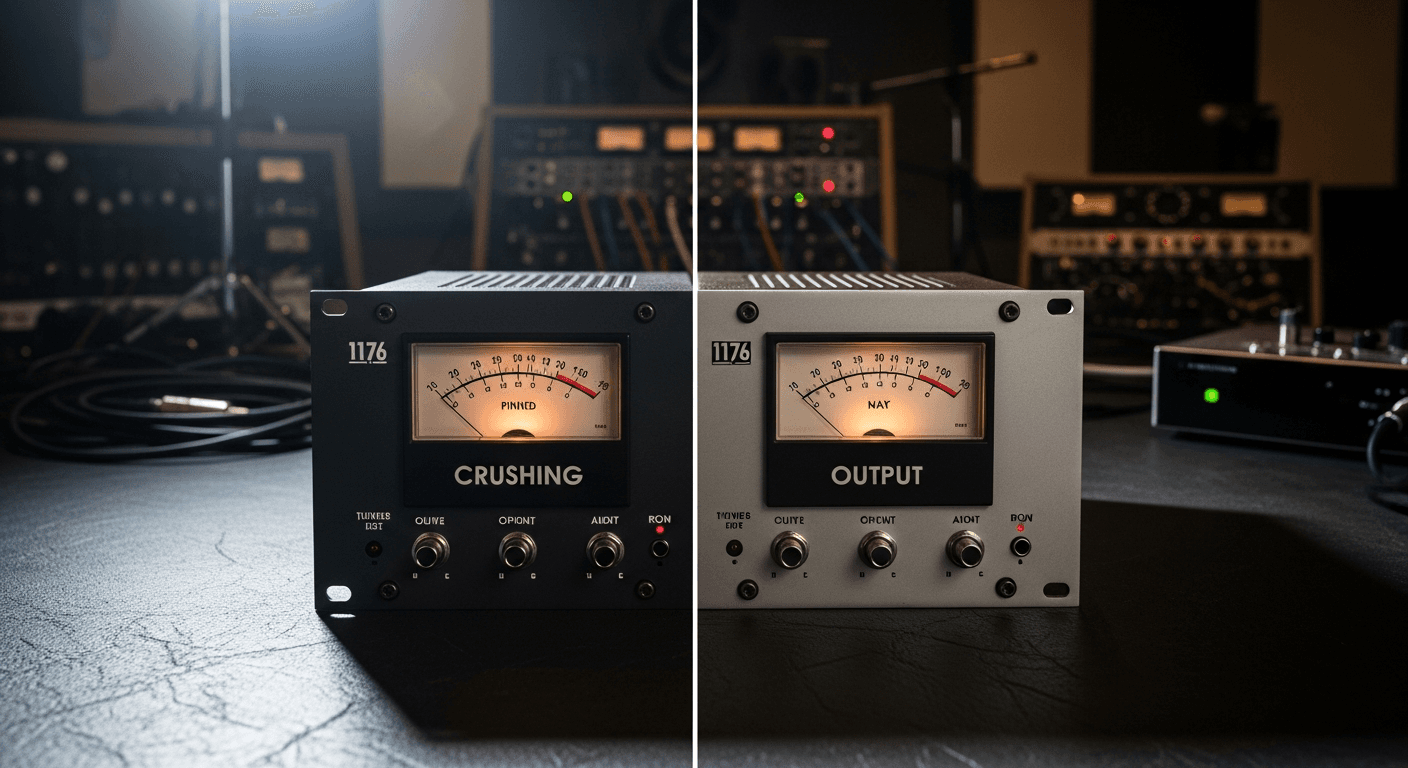
You want your drums to hit hard. But every time you compress them enough to sound powerful, they lose their punch and life.
Parallel compression fixes this.
It's also called "New York compression" because it was pioneered by NYC engineers in the 70s and 80s. It's still one of the most effective techniques for making drums (and lots of other stuff) sound bigger without crushing them.
What Parallel Compression Is
Instead of compressing your drums directly, you blend a heavily compressed copy with the original signal.
The original drums keep their transients and dynamics.
The compressed copy adds sustain, body, and power.
Blend them together and you get the best of both worlds.
Big, powerful drums that still have life and punch.
How It Works
Normal compression grabs the loud parts and pulls them down. That's how it controls dynamics—by reducing the peaks.
Problem: Those peaks are your transients. The snap of the snare. The attack of the kick. The crack that makes drums cut through a mix. Compress them too hard and you lose that.
Parallel compression doesn't replace those transients—it adds sustain underneath them. The original signal keeps the punch. The compressed signal fills in the space between hits with body and sustain.
The result sounds like drums that are simultaneously dynamic and dense. It shouldn't work, but it does.
Setting It Up
Method 1: Aux/Send Method
- Create an aux/bus track
- Put a compressor on it
- Send your drum tracks to that aux
- Blend the aux fader to taste
This is the classic approach. Your original drums stay untouched. The aux track is where the crushing happens.
Method 2: Mix/Blend Knob
Many compressor plugins have a mix or blend knob built in. Set it to less than 100% wet and you're doing parallel compression on a single track.
Not as flexible, but faster to set up.
Method 3: Duplicate Track
Duplicate your drum bus. Crush the duplicate. Blend it under the original.
Works, but uses more CPU and can get messy with routing.
The Compression Settings
The parallel track gets crushed. We're not being subtle here.
Ratio: 8:1 to 20:1 (yes, really)
Attack: 10-30ms (fast enough to catch sustain, slow enough to let some transient through)
Release: Fast to medium—50-200ms (you want it pumping and breathing)
Threshold: Low. You want heavy gain reduction—6dB to 12dB or more.
This would sound terrible on its own. Pumping, squashed, lifeless. But that's okay because you're blending it underneath the original signal.
Blending
Start with the parallel channel all the way down. Slowly bring it up until you hear the drums getting bigger and more powerful.
The sweet spot is usually when you can feel the difference but not obviously hear the compression. The drums should sound fuller and more present, not squashed.
If you can hear obvious pumping in the blend, you've gone too far. Pull it back.
What to Send to Parallel Compression
Option 1: Just Kick and Snare
Send only the most important drum elements. The kick and snare get the power and body. The overheads and room mics stay dynamic and natural.
This is my usual approach. The kick and snare carry the groove, so they benefit most from the extra weight.
Option 2: Full Drum Bus
Send the entire drum bus to the parallel compressor. Everything gets bigger together. This works well for dense rock and electronic drums where you want a wall of sound.
Option 3: Just the Room Mics
This is a classic technique. The room mics capture the natural sustain and ambience of the kit. Crushing them and blending back adds huge-sounding sustain without affecting the close mics.
If you've got room mics, try this.
The "Backwards" Approach
Some engineers flip the technique: they start with the crushed signal loud, then blend in the original to bring back transients.
Same concept, different workflow. Try both and see which makes more sense to your brain.
Beyond Drums
Parallel compression works on anything that needs to be powerful but dynamic.
- Bass: Add sustain and presence without killing the fingered attack
- Vocals: Add density without making them sound over-compressed
- Full mix: Gentle parallel compression on the mix bus can add glue (be subtle)
Common Mistakes
Too Much Parallel Signal
If the drums sound squashed and pumping, your parallel track is too loud. It should add weight, not take over.
Attack Too Fast
Even though we're crushing the parallel track, a too-fast attack kills the transients even there. You still want some snap in the crushed signal, just less than the original.
Forgetting to High-Pass the Parallel Channel
All that compression can make the low end woofy and undefined. Try high-passing your parallel channel around 80-100Hz to tighten things up.
Phase Issues
If you're using the duplicate track method, watch for phase alignment. The compressed signal might have slightly different timing, causing weird phase cancellation when blended.
Quick Setup Checklist
- Create aux track with compressor (8:1+ ratio, fast attack, fast release)
- Send kick and snare (or full bus) to aux
- Set compressor threshold for heavy gain reduction (6-12dB)
- Start with aux fader at -infinity
- Slowly bring up until drums feel bigger
- Stop before you hear obvious compression
That's it. Your drums should sound noticeably more powerful while keeping their dynamic punch.
The Bottom Line
Parallel compression lets you have it both ways: dynamic drums that also hit hard.
Crush a copy, blend it in, keep the original transients. Simple concept, huge results.
Try it on your next mix. Once you hear what it does, you'll use it constantly.
Related Articles
How to Use Reference Tracks: The Pro Mixing Secret
Reference tracks are how professionals avoid mix blindness. Learn to use them effectively without losing your own sound.
Delay Settings for Vocals: From Subtle to Dramatic
How to use delay on vocals without creating a muddy mess. Practical settings for slap, tempo-sync, and throw delays.
Volume Automation in Mixing: The Secret to Professional Mixes
Compression isn't enough. Learn how volume automation separates amateur mixes from professional ones.