Delay Settings for Vocals: From Subtle to Dramatic
How to use delay on vocals without creating a muddy mess. Practical settings for slap, tempo-sync, and throw delays.
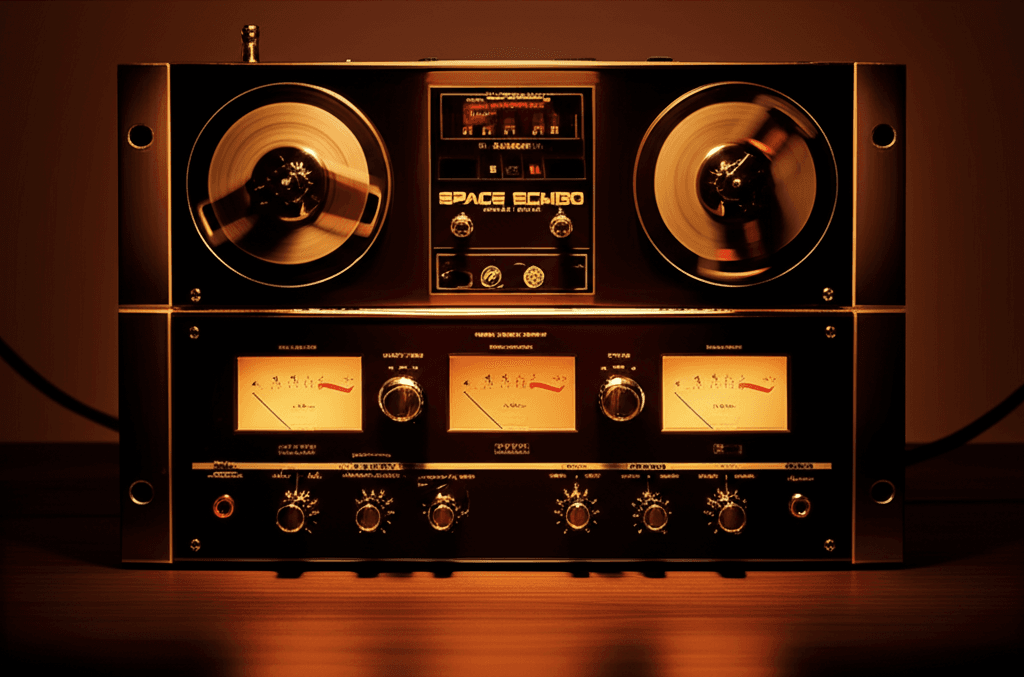
Delay is one of the most powerful vocal effects. It can add depth without the wash of reverb, create rhythmic interest, and fill space between phrases.
It can also turn your vocal into an unintelligible mess if you use it wrong.
Here's how to use delay on vocals effectively.
Delay vs. Reverb
Reverb creates space by simulating reflections from a room. It's diffuse and washy.
Delay creates space by repeating the signal. It's distinct and rhythmic.
Use reverb when: You want the vocal to sit in an environment, feel lush, blend with the track.
Use delay when: You want clarity with depth, rhythmic interest, or dramatic effect without wash.
Most vocal productions use both—reverb for the bed, delay for interest.
The Three Types of Vocal Delay
1. Slapback Delay
Very short delay (50-120ms), usually one repeat. Sounds like a quick reflection off a nearby wall.
Creates thickness and presence without obvious echo. Common in rock, country, and vintage productions.
Settings:
- Time: 50-120ms (not tempo-synced)
- Feedback: 0% (single repeat)
- Mix: 10-25%
2. Tempo-Synced Delay
Delay time matched to the song's tempo (quarter note, eighth note, dotted eighth, etc.). The repeats fall on the beat, creating rhythmic depth.
This is the most common modern vocal delay.
Settings:
- Time: 1/4 note, 1/8 note, or dotted 1/8
- Feedback: 15-35% (a few repeats)
- Mix: 15-30%
3. Throw Delays
Delay that's automated—off most of the time, turned up momentarily on specific words or phrases. The classic "delay throw."
Creates dramatic moments: the last word of a line echoing out, a word repeated for emphasis.
Settings:
- Time: 1/4 or dotted 1/8 (tempo-synced)
- Feedback: 30-50% (several repeats)
- Mix: Automated—0% normally, 50-100% on throws
Slapback Delay In Depth
Slapback is the most subtle delay. It adds dimension without being obviously "delay."
Why 50-120ms?
Under 30ms, the delay fuses with the original signal (Haas effect)—useful for widening but not for delay texture.
Over 150ms, you start hearing distinct echoes.
50-120ms sits in the sweet spot: perceptible depth, no obvious echo.
Mono vs. Stereo:
- Mono slapback adds thickness, almost like a doubling effect
- Stereo slapback (different times left/right) adds width
Try mono first. It's cleaner.
Use slapback when:
- You want vocal presence without reverb
- The track is sparse and needs some fill
- You're going for a vintage sound
Tempo-Synced Delay In Depth
This is your bread-and-butter vocal delay for modern production.
Common Time Values:
- 1/4 note: Slower, dramatic. Good for ballads and sparse arrangements.
- 1/8 note: The default. Musical and present without being too busy.
- Dotted 1/8: Creates a galloping rhythm. The "U2 delay." Works surprisingly well on most material.
- 1/16 note: Fast and busy. Usually too much for lead vocals but can work on ad-libs.
The Dotted Eighth Trick:
Dotted 1/8 (or equivalently, 3/16) creates delays that fall between the beats. This fills rhythmic gaps without competing with the vocal phrase.
It sounds more interesting than straight time values and clears up faster.
If you're only going to remember one delay setting, remember dotted eighth.
Ping-Pong:
Stereo delays that bounce left-right. Adds width and movement. Can sound dated if overdone, but subtle ping-pong works.
Throw Delays In Depth
Throws are the most dramatic delay use. The delay is silent until you want it, then it catches a word and sends it echoing.
How to Set Up:
- Put the delay on a send/aux track
- Set it 100% wet (no dry signal)
- Automate the send—normally at -inf, jump up for throws
- Return to -inf after the throw
What to Throw:
- Last word of a line (especially before a gap)
- Emotionally important words
- Ad-libs and vocal effects
- Words you want emphasized
Don't Throw:
- Words right before the next phrase (the delay will clash)
- Every other word (less is more)
- The first word of phrases (usually awkward)
Making Throws Work:
The delay tail needs to finish (or mostly finish) before the next phrase starts. Calculate your timing:
- If there's a 2-beat gap after the word, use 1/4 note delay with moderate feedback
- If there's a longer gap, you can use more feedback for a longer tail
- If the gap is short, use dotted 1/8 with quick feedback decay
Essential Delay Processing
Raw delay often sounds too present, too harsh, or too muddy. Process it.
High-Pass Filter
Roll off the low end of the delay (100-300Hz). Keeps the delays from clouding up the bottom.
Low-Pass Filter
Roll off the highs (4-8kHz). This is the big one. A low-pass filter on delay pushes the repeats back in the mix, creating depth without harshness.
Filtered delays sound further away—which is usually what you want.
Saturation
Light saturation on the delay return warms it up and helps it blend. Don't overdo it.
Compression
Gentle compression on the delay return evens out the repeats. Useful for throws where you want consistent tail volume.
Delay and Reverb Together
The classic combo: delay into reverb, or reverb into delay.
Delay → Reverb:
The delays get washed in reverb. Creates a dreamy, spacious effect. The repeats feel distant.
Reverb → Delay:
The reverb tail gets repeated. Can sound unusual—sometimes cool, sometimes messy.
Parallel:
Delay and reverb on separate sends, blended independently. Most common approach. Full control over each effect.
Practical Settings Cheat Sheet
Clean Pop/R&B:
- 1/8 or dotted 1/8
- Low feedback (15-20%)
- Low-passed at 5kHz
- Light mix (10-20%)
Rock/Alternative:
- Slapback (80-100ms) + longer tempo delay
- Moderate feedback
- More present in the mix
EDM/Pop:
- Dotted 1/8 ping-pong
- Filtered heavily
- Automated throws on key words
Ballad:
- 1/4 note
- Higher feedback (30-40%)
- More reverb-like tail
- Low-passed for distance
Indie/Lo-fi:
- Tape-style delay (modulation, slight pitch wobble)
- Slapback plus tempo delay
- Let it be imperfect
Common Mistakes
Too Much Feedback
Long echoing trails sound amateur. Keep feedback moderate—you want depth, not infinity.
Not Filtering
Unfiltered delays compete with the vocal. Low-pass them.
Wrong Timing
If your delays clash with the next phrase, they're too long or have too much feedback. The delay should finish before it interferes.
Too Wet
Delay should support, not dominate. If you obviously hear "delay" before you hear "vocal," it's too loud.
Static Settings
Same delay settings throughout the whole song is boring. Automate—more delay in sparse sections, less in dense ones.
The Bottom Line
Delay adds depth and interest without the wash of reverb.
- Use slapback for subtle thickness
- Use tempo-synced delay (especially dotted 1/8) for rhythmic depth
- Use throws for dramatic moments
Filter your delays to push them back. Automate them for movement.
Start subtle. You can always add more.
Related Articles
How to Use Reference Tracks: The Pro Mixing Secret
Reference tracks are how professionals avoid mix blindness. Learn to use them effectively without losing your own sound.
Volume Automation in Mixing: The Secret to Professional Mixes
Compression isn't enough. Learn how volume automation separates amateur mixes from professional ones.
What is Compression? The Complete Beginner's Guide
A clear, beginner-friendly explanation of audio compression—what it is, how it works, when to use it, and how to get started without ruining your mix.