Mixing on Headphones vs Monitors: What You Need to Know
The real differences between mixing on headphones and monitors, and how to get good results with either.
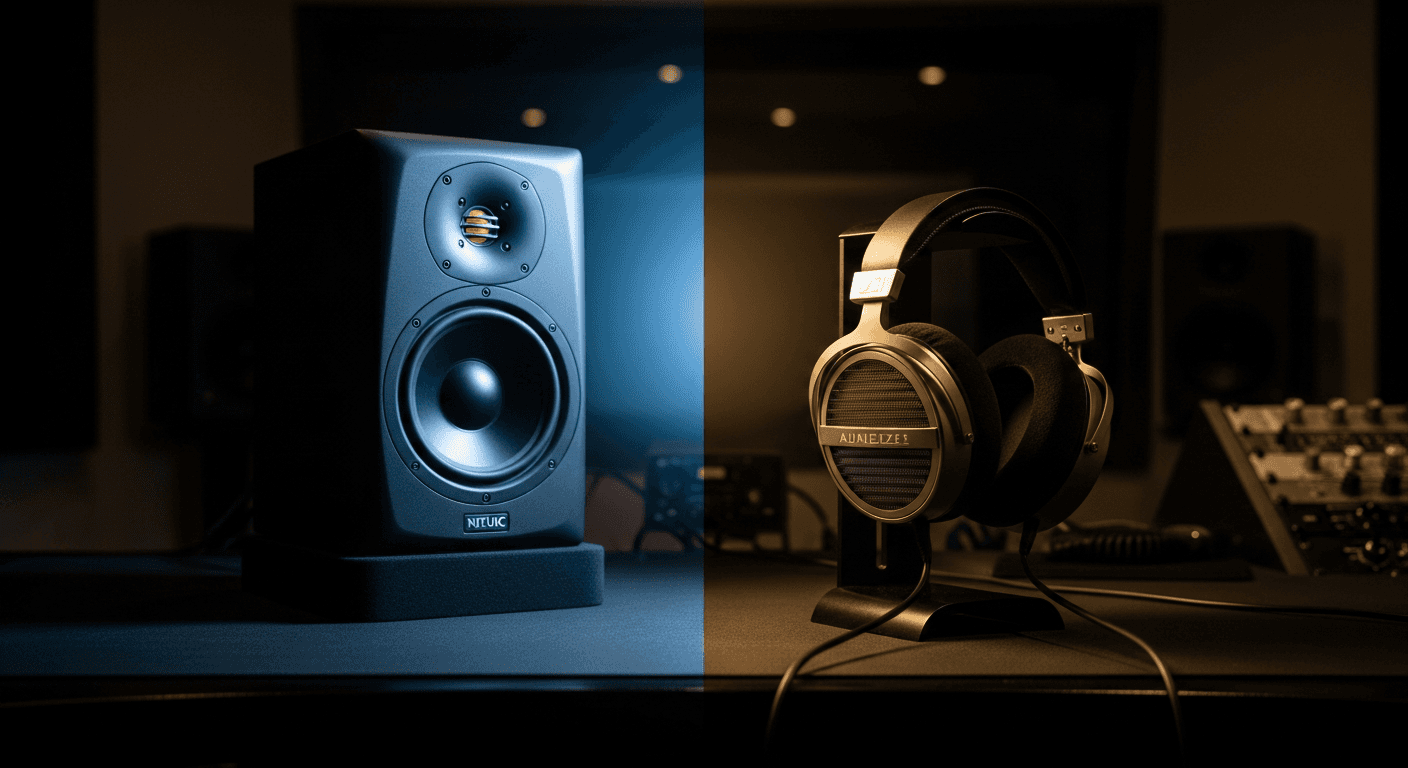
Can you mix on headphones? Yes. Should you mix only on headphones? Probably not. But it's more nuanced than most people make it.
Here's what actually matters.
The Core Difference
When you listen on monitors, sound from the left speaker reaches both ears (left ear first, then right ear slightly later). Same with the right speaker. Your brain processes this crossfeed naturally.
When you listen on headphones, the left driver only reaches your left ear. The right driver only reaches your right ear. No crossfeed. Complete channel separation.
This changes how you perceive stereo width, reverb, and spatial effects. And it changes the decisions you make while mixing.
What Headphones Do Well
Detail and Clarity
Headphones let you hear everything. Every click, every breath, every subtle artifact. You're not fighting room acoustics—just the direct sound from driver to ear.
For editing, cleanup work, and catching problems, headphones are often better than monitors.
Low End (Sometimes)
If your monitors don't go low enough, or your room has bass problems, headphones might give you more accurate bass information.
Most bedroom studios have terrible bass response due to room modes. A decent pair of headphones can be more trustworthy in that frequency range.
Late Night Mixing
Neighbors exist. Sometimes headphones are the only option. Better to mix on headphones than to not mix at all.
What Headphones Do Poorly
Stereo Width
Headphones exaggerate stereo width. What sounds nicely spread on headphones might sound narrow on speakers. What sounds centered might actually be too wide.
If you mix exclusively on headphones, your mixes often sound narrower than expected on speakers.
Reverb and Spatial Effects
You hear reverb incredibly clearly on headphones—every detail of the tail. This can lead to using less reverb than the mix actually needs.
Mixes done entirely on headphones often sound dry when played on speakers.
Ear Fatigue
Headphones pump sound directly into your ear canal. At the same perceived loudness as monitors, they're doing more damage to your hearing.
You also fatigue faster. Your frequency perception shifts as your ears get tired, leading to bad decisions.
Translation
Headphones don't tell you how a mix will sound in a room. Most music is listened to on speakers—cars, living rooms, clubs. Headphones can't simulate that experience.
What Monitors Do Well
Real-World Translation
Most music is played on speakers. Mixing on speakers gives you a more accurate sense of how the mix will translate to those systems.
Stereo Imaging
You perceive stereo width more naturally on speakers because of the crossfeed I mentioned. Pan positions and spatial effects behave how listeners will actually hear them.
Physical Bass Response
You feel monitors. Sub frequencies that just sound like rumble on headphones become physical sensations on monitors with proper low-end extension.
Longer Sessions
Lower ear fatigue means you can mix longer without your perception going weird.
What Monitors Do Poorly
Room Dependency
Monitors are only as accurate as your room allows. Untreated rooms have bass buildup, reflections, and standing waves that completely mess with your perception.
A $3000 monitoring system in an untreated room might be less accurate than $300 headphones.
Late Night Limitations
You can't crank monitors at 2am. Low-volume mixing on monitors can be deceptive because bass perception drops at lower volumes (Fletcher-Munson curves).
Cost
To get monitors plus acoustic treatment that's actually accurate, you're spending real money. Good headphones are cheaper than good monitors in a good room.
The Practical Approach
Use Both
Start on monitors, check on headphones. Or vice versa. The goal is to make mixes that sound good on both.
If something sounds good on monitors but weird on headphones (or vice versa), investigate. One system is showing you a problem the other is hiding.
Learn Your Systems
Every monitoring system has quirks. Learn what yours does. Maybe your headphones are bass-heavy. Maybe your monitors have a 3kHz bump. Maybe your room boosts 80Hz.
Once you know the lies your system tells, you can compensate.
Reference Other Mixes
Load up professionally mixed tracks and listen on your system. How do they sound? That's your target. If professional mixes sound bass-heavy on your headphones, your headphones emphasize bass—compensate accordingly.
Headphone Tips
If you're mixing primarily on headphones:
- Use open-back headphones (better imaging than closed-back)
- Consider crossfeed plugins to simulate speaker listening
- Be conservative with stereo width—narrow things slightly
- Be generous with reverb—add more than feels right
- Take frequent breaks to protect your hearing
- Always check on speakers before finishing
Monitor Tips
If you're mixing primarily on monitors:
- Treat your room as much as possible (even basic treatment helps)
- Listen at moderate volumes (not too loud, not too quiet)
- Check on headphones for detail work
- Check on other speakers (car, phone, laptop) for translation
- Know where your room's bass problems are
The Low-Budget Reality
Most home studios don't have great monitoring situations. If you're choosing between:
$500 on monitors in an untreated bedroom
vs.
$500 on good headphones with some crossfeed software
The headphones might give you more consistent results. Not better—but more consistent.
But ideally? Get both. Even cheap monitors show you things headphones can't, and headphones show you things monitors in bad rooms can't.
Crossfeed Plugins
If you mix on headphones a lot, look into crossfeed plugins. They simulate the natural bleed you get from speakers.
They're not perfect—you can't truly recreate room acoustics—but they help with stereo imaging decisions.
Some options:
- Goodhertz CanOpener
- Waves NX
- 112dB Redline Monitor
- Free options exist too
The Bottom Line
Neither headphones nor monitors are "correct." They're different tools that show you different things.
Learn what each system does well and poorly. Use multiple systems to check your work. Reference professional mixes on your system so you know what "good" sounds like through your specific monitoring chain.
The best mix is one that sounds good everywhere—and you can only achieve that by checking on multiple systems.
Related Articles
How to Use Reference Tracks: The Pro Mixing Secret
Reference tracks are how professionals avoid mix blindness. Learn to use them effectively without losing your own sound.
Delay Settings for Vocals: From Subtle to Dramatic
How to use delay on vocals without creating a muddy mess. Practical settings for slap, tempo-sync, and throw delays.
Volume Automation in Mixing: The Secret to Professional Mixes
Compression isn't enough. Learn how volume automation separates amateur mixes from professional ones.