Mastering for Spotify: LUFS Explained
What LUFS actually means, why -14 is a myth, and how to master for streaming platforms.
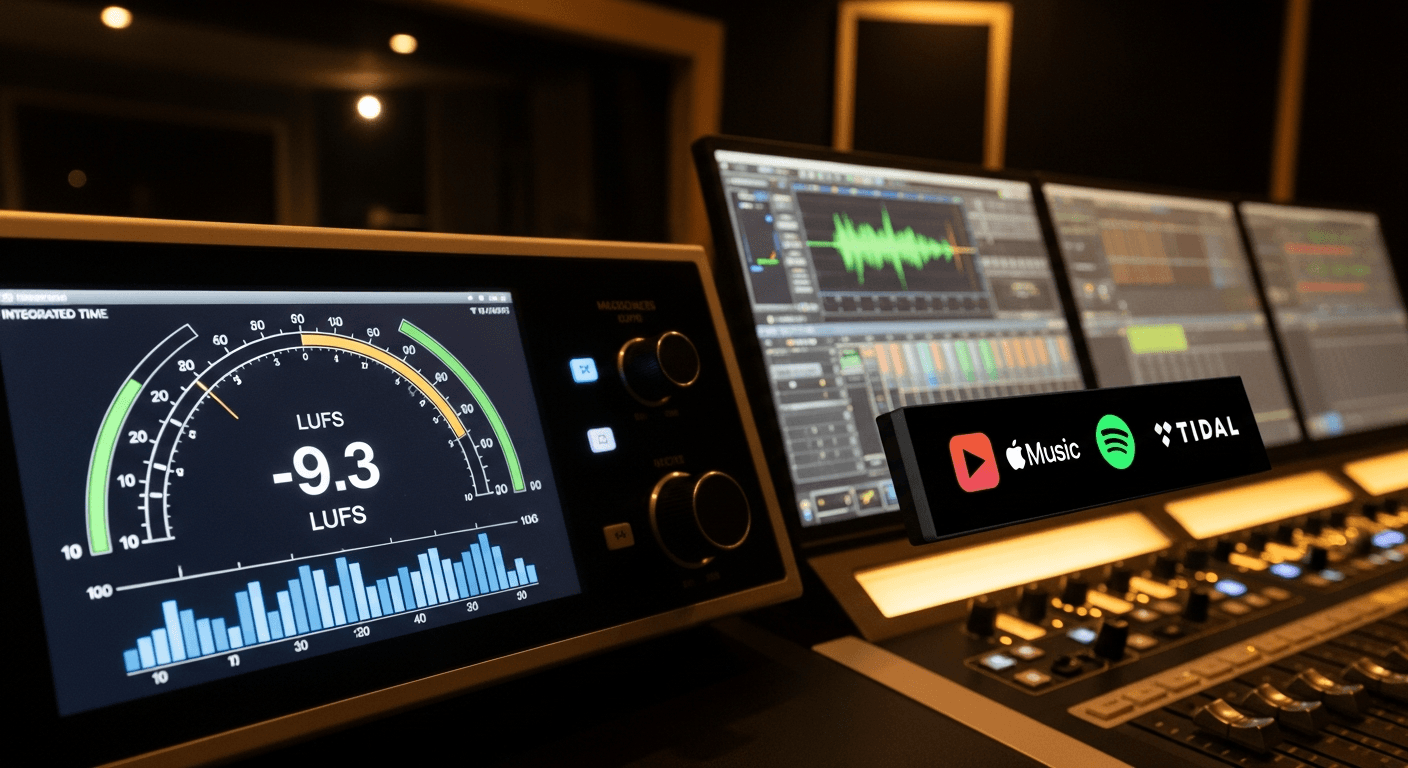
You've heard you should master to -14 LUFS for Spotify. You've also heard that's wrong.
Here's what's actually going on and what you should actually do.
What LUFS Actually Is
LUFS stands for Loudness Units relative to Full Scale. It's a measurement of perceived loudness over time—not just peak levels, but how loud something actually sounds to human ears.
Unlike peak meters (which show the highest point in a waveform), LUFS measures the average loudness, weighted for how we perceive different frequencies.
- Integrated LUFS: Average loudness of the entire track
- Short-term LUFS: Loudness over a 3-second window
- Momentary LUFS: Loudness over a 400ms window
When people say "master to -14 LUFS," they're talking about integrated LUFS.
What Spotify Actually Does
Spotify normalizes playback so everything sounds roughly the same loudness. Their target is -14 LUFS (though users can adjust this in settings).
If your track is louder than -14 LUFS, Spotify turns it down during playback.
If your track is quieter than -14 LUFS, Spotify turns it up (with a limiter to prevent clipping).
This happens in real-time during playback. Spotify doesn't process your actual audio file—they just adjust the playback volume.
The -14 LUFS Myth
So should you master to exactly -14 LUFS?
No. Or at least, not necessarily.
Here's why the advice is misleading:
1. Louder Masters Still Sound Fine (Just Turned Down)
If you master to -8 LUFS (much louder than -14), Spotify will turn it down 6dB. That's it. Your track still sounds like your track, just at a lower playback volume.
The dynamics, the tone, the punch—all preserved. You just get turned down.
2. The Top Songs Are NOT -14 LUFS
Mastering The Mix analyzed the 25 most-streamed tracks on Spotify in 2022. The average was -8.4 LUFS—way louder than -14.
Professional masters aren't targeting -14. They're making records that sound good, which often means more loudness, and letting Spotify turn them down.
3. Dynamics Have Value
If you intentionally master quieter (-14 LUFS), you're leaving headroom that could contain dynamic range. But you don't have to use that headroom.
A -14 LUFS master with crushed dynamics sounds worse than a -8 LUFS master with crushed dynamics. Loudness doesn't determine dynamics—processing does.
What Actually Matters
1. Don't Over-Limit
The real enemy isn't loudness—it's distortion and crushed dynamics from over-limiting.
If you push a limiter until you're getting 10dB of gain reduction and audible pumping/distortion, that damage stays no matter what Spotify does to the playback volume.
Master to sound good first. Loudness second.
2. Leave Headroom for True Peaks
True peak should be -1dBTP or lower. Streaming services use lossy encoding (AAC, Ogg Vorbis) which can create intersample peaks—moments where the reconstructed waveform exceeds 0dB even if your original file didn't.
Leaving 1dB of headroom prevents this distortion.
3. Don't Master Quiet Just for Streaming
If your genre expects loud masters (EDM, pop, hip-hop), deliver loud masters. Spotify will turn them down to the same playback volume as quieter masters anyway.
The only difference: a quiet master has more dynamic range between the loud and quiet parts. If that's what you want, great. If not, don't artificially limit yourself.
The Practical Approach
Option 1: Master As Loud As Sounds Good
Forget the LUFS target. Push the limiter until it starts sounding worse—then back off slightly. That's your master.
Check the LUFS after. It might be -8. It might be -12. Doesn't matter if it sounds good.
Option 2: Master for Dynamics
If you're working on acoustic, jazz, classical, or anything where dynamics are crucial, you might naturally end up around -14 LUFS or quieter.
Don't add loudness just to hit a number. Let the music be what it is.
Option 3: Compare to References
Load reference tracks in your genre. See what LUFS they hit. Aim for the same ballpark.
If every successful track in your genre is -7 to -9 LUFS, targeting -14 will make your track sound quiet and weak in comparison (until playback normalization kicks in).
Platform Comparison
Different platforms have different normalization targets:
- Spotify: -14 LUFS
- Apple Music: -16 LUFS
- YouTube: -13 to -14 LUFS
- Amazon Music: -14 LUFS
- Tidal: -14 LUFS
The differences are small. A master that works for one will work for all.
True Peak: The Actually Important Number
While LUFS gets all the attention, true peak is what you need to watch.
Set your limiter's ceiling to -1dBTP. This prevents intersample clipping during streaming encoding.
Some limiters show true peak, some show sample peak. Make sure you know which yours shows.
What About SoundCloud, Bandcamp, etc.?
Not all platforms normalize:
- SoundCloud: No normalization. Louder = louder.
- Bandcamp: No normalization. Files play as mastered.
If these platforms are important to you, louder masters will stand out more. But then you're optimizing for specific platforms rather than making one great master.
The One-Master Approach
Here's what most professionals do: make one master that sounds great, and use it everywhere.
Don't make separate masters for each platform. It's not worth the effort, and you risk inconsistency.
A well-mastered track at -8 to -10 LUFS, with true peaks at -1dBTP or below, will translate well across all platforms.
Checking Your LUFS
Most DAWs have loudness meters built in. If not, there are free options:
- Youlean Loudness Meter (free)
- dpMeter (free)
- iZotope Insight (paid)
Insert one on your master bus and watch the integrated LUFS as your track plays.
The Bottom Line
Don't master to -14 LUFS just because "Spotify wants it." Spotify will normalize your track regardless of how loud it is.
Instead:
- Master to sound good (don't over-limit)
- Leave -1dBTP headroom for true peaks
- Let the LUFS land wherever the music needs it to be
- Check against reference tracks in your genre
The best master is one that sounds great—streaming platforms will handle the rest.
Related Articles
How to Use Reference Tracks: The Pro Mixing Secret
Reference tracks are how professionals avoid mix blindness. Learn to use them effectively without losing your own sound.
Delay Settings for Vocals: From Subtle to Dramatic
How to use delay on vocals without creating a muddy mess. Practical settings for slap, tempo-sync, and throw delays.
Volume Automation in Mixing: The Secret to Professional Mixes
Compression isn't enough. Learn how volume automation separates amateur mixes from professional ones.