Gain Staging: Why Your Mix Sounds Like Shit
The fundamental skill that separates amateur mixes from professional ones. It's not sexy, but it matters.
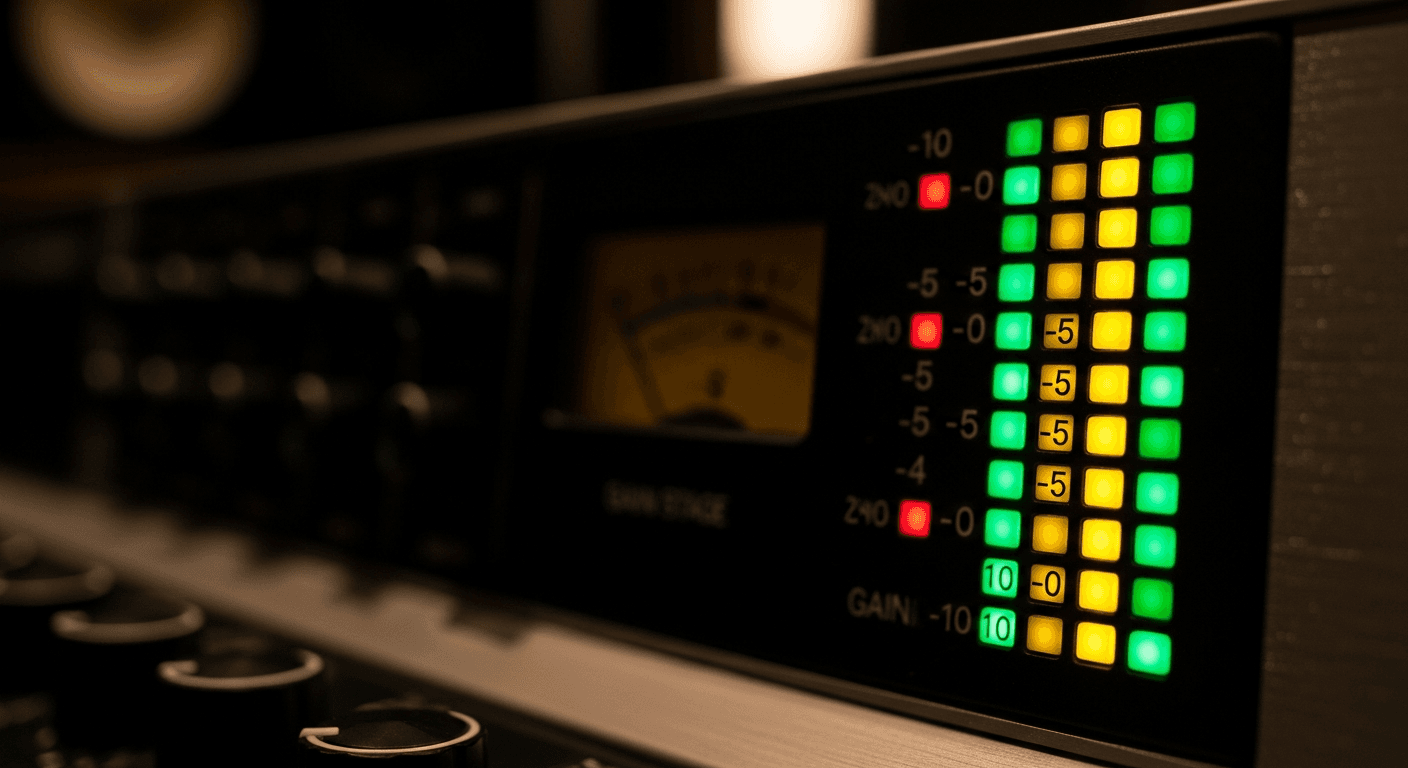
Gain staging is boring. Nobody makes YouTube videos about it. There's no sexy plugin to buy.
But if you skip it, your mixes will sound like shit. I guarantee it.
What Gain Staging Actually Is
Gain staging is managing signal levels throughout your entire chain—from input to output, through every plugin.
The goal: keep levels in the sweet spot where plugins sound good and you have headroom for dynamics.
That's it. Not complicated. But almost everyone ignores it.
Why It Matters
Plugins Have Sweet Spots
Most plugins—especially ones modeling analog gear—are calibrated for specific input levels. Too quiet and you're not hitting the circuit right. Too loud and you're clipping internally.
When I modeled tube saturation for the Ember EQ, the character changes completely based on input level. Light signal = gentle warmth. Hot signal = aggressive saturation. The plugin responds differently because real hardware does.
If you slam a compressor with a +12dB signal, it's not going to sound like vintage gear. It's going to sound broken.
Headroom Prevents Problems
If your individual tracks are all hitting 0dBFS, where does the mix go? Straight into the red. Now you're trying to fix it with the faders all the way down, losing resolution and control.
Leave headroom on every track. Your mix bus will thank you.
Cumulative Gain is Sneaky
Say you add 3dB with an EQ, 4dB from saturation (harmonics), and 2dB from compression makeup gain. That's 9dB you probably didn't account for.
Do that on 20 tracks and suddenly your mix is 10dB hotter than when you started. Everything is clipping. It sounds harsh. You have no idea why.
That's poor gain staging.
The Practical Approach
Set Initial Levels Right
Before you add any plugins, get your mix balanced with faders. Each track should peak around -18 to -12 dBFS. Your mix bus should peak around -6 to -3 dBFS.
This gives you headroom and puts plugins in their sweet spots.
Check Levels After Each Plugin
Every plugin you add: check the output. Did it add gain? Compensate. Most plugins have output/trim knobs—use them.
The signal going out should be roughly the same as the signal going in, unless you specifically want to drive something harder.
Use Gain Plugins
Need to boost a track before a compressor? Don't use the fader—that changes your mix balance. Use a gain plugin or the input trim on the compressor itself.
This way you can adjust gain at specific points in the chain without affecting your overall balance.
The Mix Bus Test
Your mix bus should not be clipping. Ever. If it is, turn everything down.
I know "just turn up the master limiter" seems like a solution. It's not. You're crushing dynamics and covering up the real problem.
The 0 VU / -18 dBFS Standard
Here's why you see -18 dBFS everywhere:
Analog gear is calibrated so that 0 VU = +4 dBu = about -18 dBFS in digital.
When you feed a plugin that models analog gear with signals around -18 dBFS, it behaves like the original hardware would with a 0 VU signal. That's the sweet spot the modelers calibrated for.
Higher levels can sound fine—or they can sound broken. Depends on the plugin and how careful the developer was.
Quick Fixes If You're Already in Trouble
- Put a gain plugin on every track. Pull each one down 6-10dB.
- Bring your faders back up to compensate for the overall volume drop.
- Now you have headroom.
Or just start your next mix right. Set levels before plugins. Check levels after each plugin. Leave headroom on the bus.
Nobody Talks About This
Because it's not exciting. You can't post "I gained staged properly" on Instagram.
But professional mixers do this automatically. They don't think about it because it's habit. The levels are always right, so the plugins always behave, so the mix comes together without fighting clipping and distortion issues.
Get your gain staging right and mixing gets way easier. Skip it and you're working twice as hard for half the results.
Related Articles
How to Use Reference Tracks: The Pro Mixing Secret
Reference tracks are how professionals avoid mix blindness. Learn to use them effectively without losing your own sound.
Delay Settings for Vocals: From Subtle to Dramatic
How to use delay on vocals without creating a muddy mess. Practical settings for slap, tempo-sync, and throw delays.
Volume Automation in Mixing: The Secret to Professional Mixes
Compression isn't enough. Learn how volume automation separates amateur mixes from professional ones.